Code editor, terminal and project tools in one app
Acode - Terminal & AI Coding is an Android code editor for people who want to work on web projects or manage code without switching between several separate tools. It suits learners, developers making small edits away from a computer, and anyone comfortable working with files and a command line on a phone or tablet.
Made for returning to a project
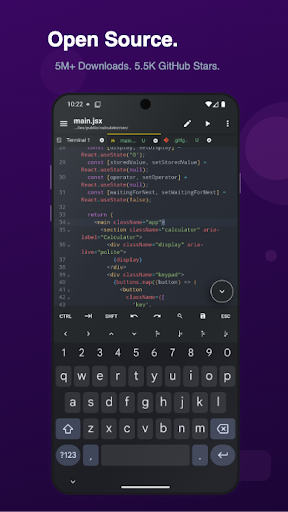
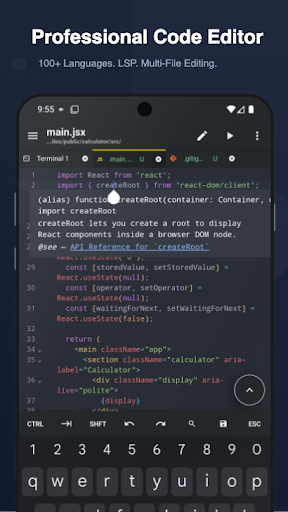
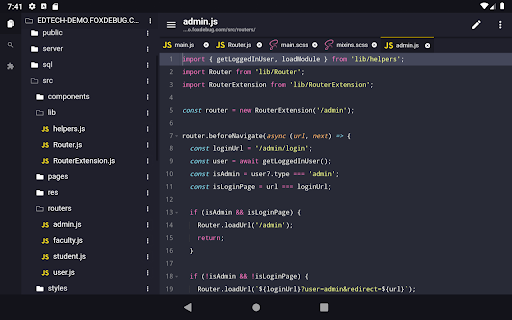
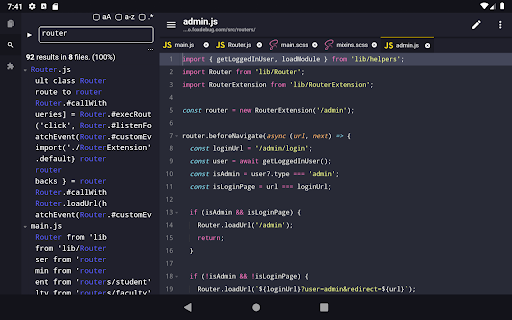
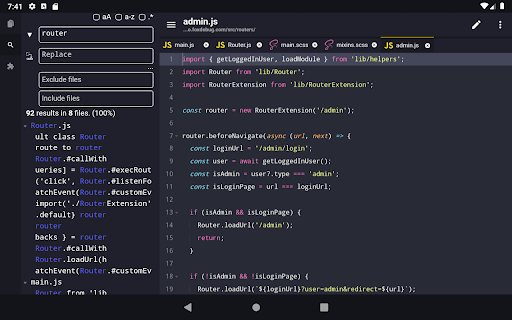
The editor supports syntax highlighting for more than 100 programming languages, multiple open files, project-wide search and customizable themes and fonts. For web work, it can preview HTML and Markdown, and an interactive JavaScript console helps with debugging. Emmet support is useful when writing HTML and CSS, while language-server features can be added through plugins.
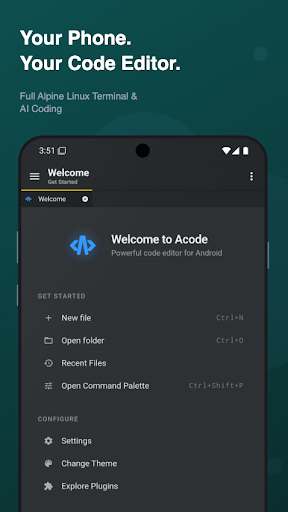
Those details matter most in regular use: reopening a project, finding a file, making a change and checking the result are all part of the same workflow. Acode also includes keyboard shortcuts and a command palette for people using an external keyboard.
A shell when the editor is not enough
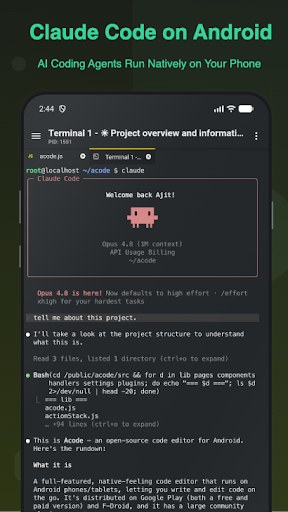
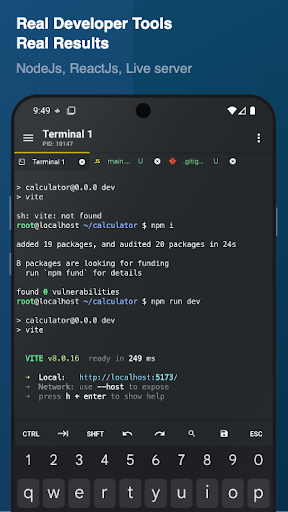
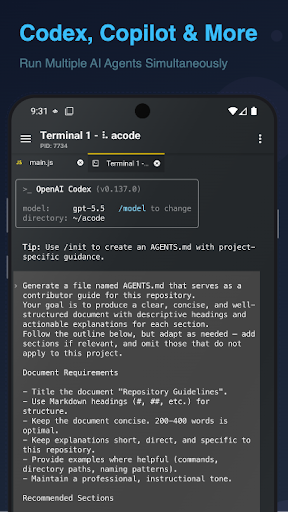
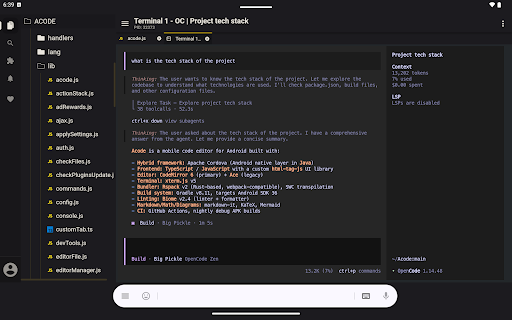
Acode includes an Alpine Linux terminal running through proot, so it does not require root access. You can use supported command-line packages, keep more than one terminal tab open and set up Node.js and npm for JavaScript projects. AI-assisted coding is available through compatible tools and plugins; it is not a reason to expect every AI feature to work without setup.
Useful beyond local editing
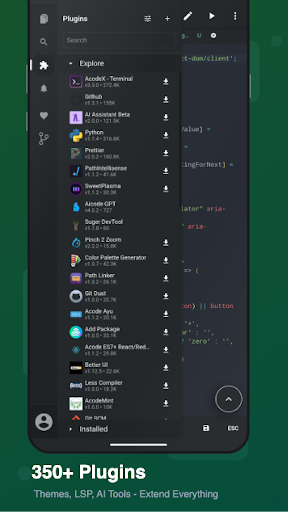
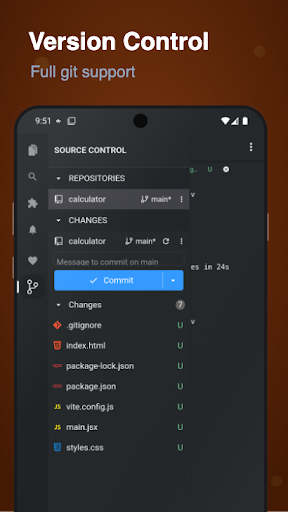
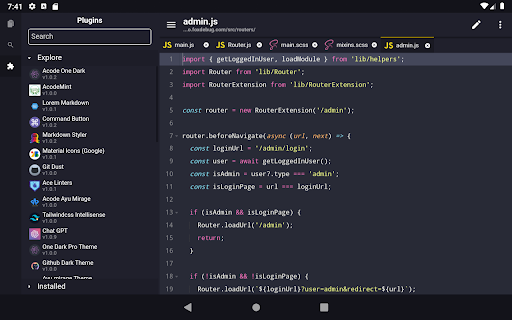
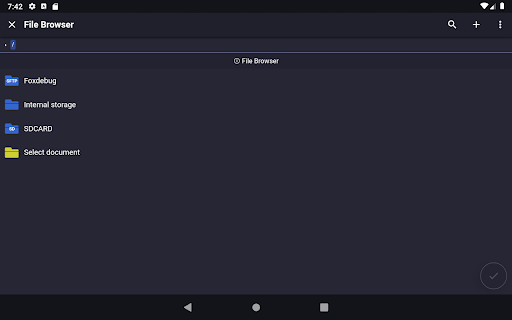
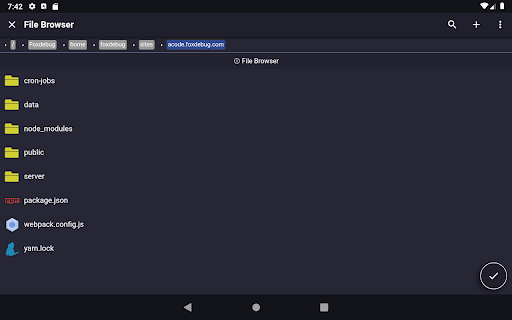
Git tools cover common tasks such as cloning, committing, pushing, pulling and working with branches. SSH, FTP and SFTP add ways to reach remote systems, while plugins can bring in themes, formatters and other development tools. Acode is listed in Productivity and is developed by Foxbiz Software Pvt. Ltd. It has a 4.11 rating from 1,255 ratings and 10,000+ installs—helpful context, though the better test is whether its editor and terminal fit the projects you actually revisit.