Advertisement
Click to download now, finish the installation quickly, and directly unlock the all-round experience
Advertisement
Screenshots
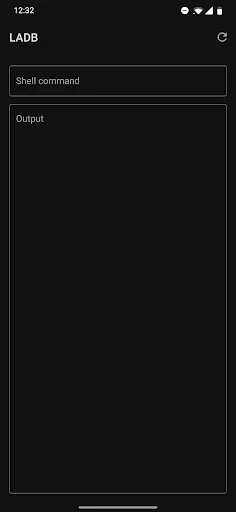
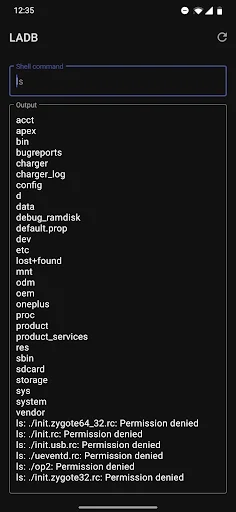
Click to download now, finish the installation quickly, and directly unlock the all-round experience
LADB — Local ADB Shell gives you an Android Debug Bridge shell that connects back to the same device over Android’s Wireless Debugging feature. It suits people who already know why they need ADB commands and want to run them from their phone, rather than plugging into a computer for every task. The app bundles its own ADB server; Wireless Debugging provides the local connection.
Getting started means enabling Wireless Debugging in Android Settings and pairing LADB with the code and port shown there. Assisted Pairing can be unreliable on some newer Android versions, so manual pairing may be needed. Keeping LADB and Settings open together while pairing can help: dismissing the pairing dialog early may invalidate the details LADB needs.
This is a focused tool, not a general-purpose phone utility. Its value depends on having a real reason to use an ADB shell and being comfortable with the commands you enter. Pairing problems can take patience, and the developer notes that LADB may not connect properly when Shizuku is installed. If a connection fails, troubleshooting may involve clearing LADB’s app data, removing Wireless Debugging connections, and restarting the device.
LADB has 50,000+ installs and a 3.54 rating from 1,077 reviews. Those figures suggest a tool with a specific audience rather than a casual, open-and-go app. If you regularly use ADB and want a local shell close at hand, it may earn a place in your toolkit. If you only need a command line once, the pairing setup could feel like more work than the task warrants.